
This week, Sir Peralta assigned us our seats and our laptop numbers. Well, technically, the laptop numbers were already assigned because they were based on the order of our surnames. This was also when we officially started learning CSS.
We first started learning about style sheets and how they are used to control the appearance and layout of a webpage. Instead of changing every part of an HTML page one by one, a style sheet lets us create rules that tell the browser how different elements should look.We also learned about CSS, which stands for Cascading Style Sheets. CSS is what we use to make an HTML webpage look more organized, attractive, and personalized. It can control things like the color, font, size, spacing, and overall appearance of different elements on a page.Another thing we learned was the basic format of a style sheet. A CSS rule has a selector, which identifies the HTML element we want to style, followed by declarations inside curly brackets. Each declaration contains a property and a value, separated by a colon. For example, we can select a heading and change its color or font size using CSS.
As the days went by, I started getting more nervous because Sir Peralta had these index cards, and whenever my name was called, I knew I was going to be asked a question. Thankfully, when my name was called, Sir Peralta asked me a simple question, and I was able to answer it correctly. Small victory!When we started coding, I struggled sometimes. Even though some parts were just copying and pasting code, I still got confused with certain things. Thankfully, my seatmate was kind enough to teach me whenever I needed help.
Here is some sample
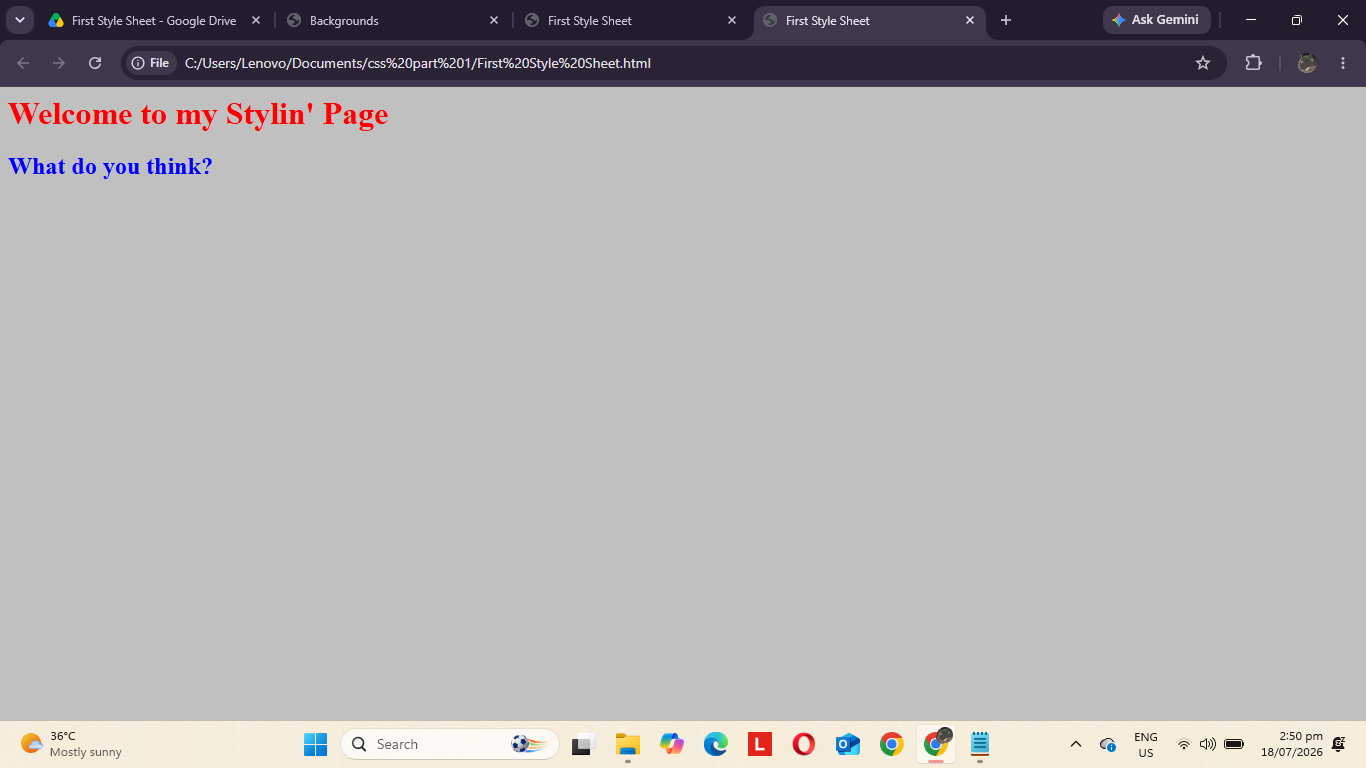 week2_code_work.png
Here is the sample I struggled the most:

I struggled the most with this code because it took a lot of trial and error to get it right. One thing that confused me was adding an image. In the format I was copying, there was "background-image: url(greenballoon.gif);", and I initially took the URL literally and pasted the image URL/link there without fully understanding how it worked.Another mistake I made was with the image file type. Sometimes I would forget to put the correct extension, like ".png" or ".jpg", which caused the image not to appear properly. These small mistakes were frustrating, but they also helped me understand the code better.With more practice and more lessons, I think I'll become more familiar with CSS and get better at writing the code without making the same mistakes.


♡ Leave a little love
If you want, leave a short note about this week's entry.